Identify & self-register
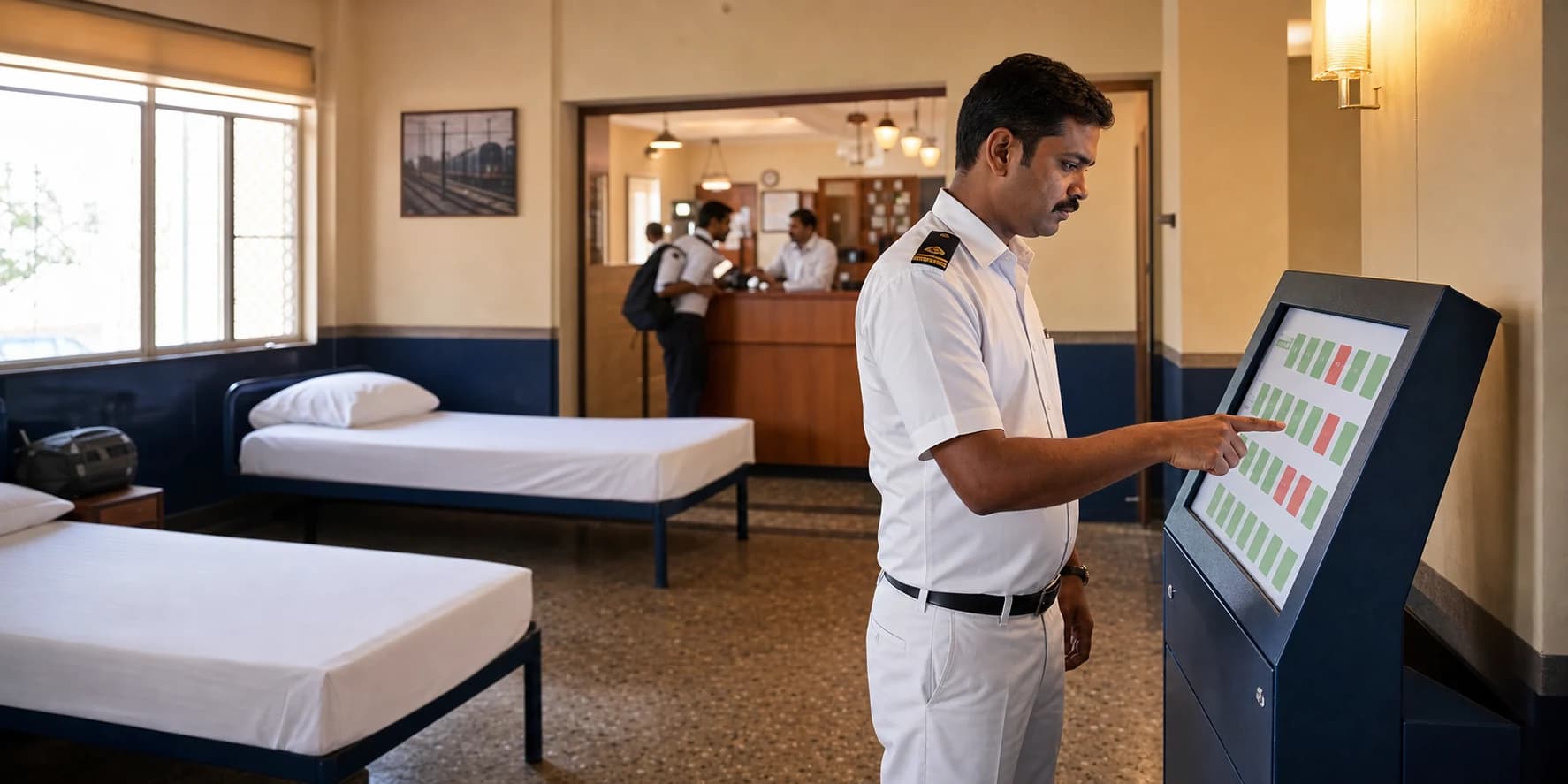
The loco pilot verifies their employee details at the kiosk. First-time users complete a short guided registration; returning crew move straight to availability.
Railway Operations · Indian Railways
Loco pilots self-register, choose a ready bed from the live room plan, collect their key and check out with feedback — while the division sees occupancy, long stays and demand as they happen.
Mysuru · Ground floor
10 beds ready now
Crisant's Running Room Management System gives loco pilots a kiosk-based self-registration, bed selection, check-in and feedback journey, while running room staff and divisions manage keys, meals, wake-up calls, real-time occupancy, long-stay alerts and MIS from one auditable system.
The problem
A loco pilot signs off and needs three things: a bed, a meal, and a wake-up call that cannot fail. Behind those three things sit occupancy registers, meal counts, and divisional reports — traditionally maintained by hand, in the middle of the night, at scale.
Manual registers fail the people who can least afford failed rest. Digitizing them isn't administrative convenience — it's operational safety.
How it works
Guide first-time loco pilots through registration and let returning crew verify their identity quickly at the kiosk.
Show the actual floor plan with available beds in green, occupied beds in red and beds under cleaning held back from selection.
Connect each selected bed to the crew member, key issue time, active stay and key return for an accurate live register.
Attach food requirements and duty-linked wake-up calls to the same stay, with acknowledgements and escalation history.
Capture ratings for the bed, food, washrooms and facilities as the stay closes, making service quality measurable.
Monitor current occupancy, alert long stays and study peak days, peak hours, utilisation, meals and feedback by running room.
The kiosk experience
At any hour, a loco pilot can see the real floor layout, identify an available bed and complete check-in without waiting for a register to be found or updated.
Crew Rest · Self check-in
Kiosk 02 · Live
Ground floor · Rest hall A
Updated just now
One complete rest cycle
The loco pilot verifies their employee details at the kiosk. First-time users complete a short guided registration; returning crew move straight to availability.
The room plan mirrors the actual floor. Green beds are available, red beds are occupied, and cleaning beds remain unavailable until released.
The selected bed is locked to the crew member, the key issue is recorded, and meal or wake-up requirements join the same stay record.
Returning the key closes the stay. A quick rating captures bed, washroom, facility and food quality while the experience is still fresh.
Facility readiness
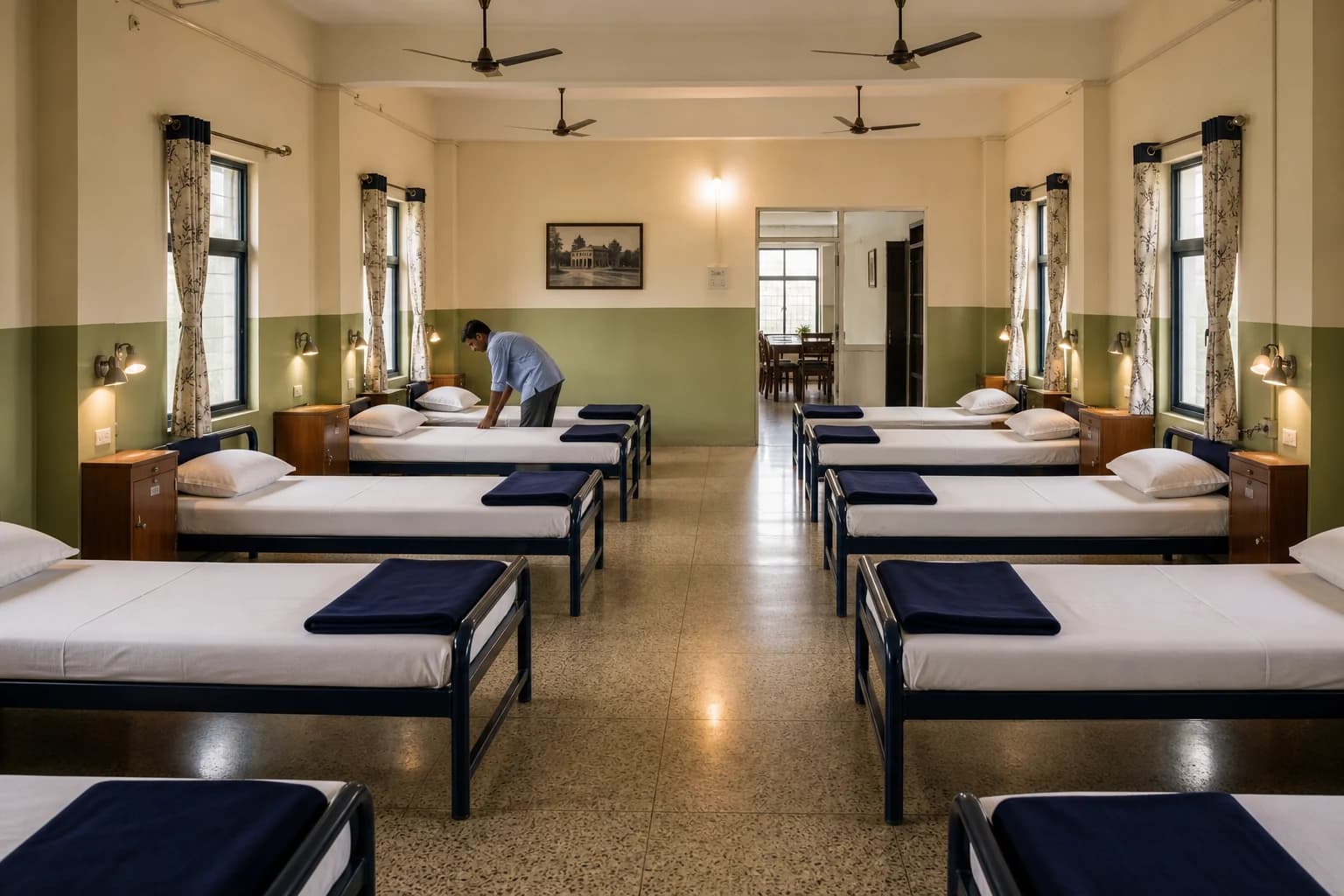
A ready bed is visible to everyone.
10
ready now
How was your rest?
Bed · Facility · Food
More than bed booking
A single stay record gives the caretaker, kitchen and division the same operational picture—without asking the loco pilot to repeat information.
Kitchen counts update from active stays and crew requests.
Scheduled calls, acknowledgements and missed-call escalation stay logged.
Issue and return times remain connected to the assigned bed.
Bed, washroom, food and facility ratings reveal repeat issues.
Divisional command view
Supervisors see current occupancy and long stays; officers see utilisation patterns that support staffing, maintenance and future capacity planning.
Running room operations
Mysuru Division · All facilities
48
Total beds
34
Occupied now
70.8%
Current utilisation
2
Long-stay alerts
Occupancy by hour
Today · all active running rooms
Needs attention
Active alerts
Bed F-12 · 14h 38m
Stay exceeded the configured rest window. Alert caretaker.
Wake-up due in 12 min
3 scheduled calls · Hall B
Peak occupancy map
Darker cells indicate higher demand
MIS ready when officers need it
Filter by running room, date, crew type or shift
Daily occupancy
Beds used, vacant hours and turnover by running room
Peak utilisation
Day-of-week and hour-of-day demand patterns
Overstay register
Active stays beyond the configured rest window
Crew stay history
Searchable check-in, key issue and check-out trail
Meal consumption
Meals requested, served and planned by shift
Facility feedback
Bed, food, washroom and amenity ratings over time
Crew, caretaker, kitchen, supervisor and divisional officers each see only the actions and data relevant to them.
Set rest windows and escalation paths for long occupancy, overdue keys, missed wake-up calls or beds awaiting release.
Every registration, selection, check-in, service request, check-out and feedback entry keeps a timestamped trail.
Crew do not need to interpret a table or ask which bed is free. The kiosk mirrors the physical facility, uses clear status labels alongside colour and keeps the same selection visible to the caretaker and the divisional dashboard in real time.
Field-proven
Live in Indian Railways running rooms, managing the daily rest cycle of running staff. Built and supported from Mysuru by Crisant Technologies — and part of the same product family as Rail Spear, our RTIS locomotive analytics platform.
Need it customized? The team that built it is right here →
Straight answers
Book a walkthrough — we'll show it running with a real facility's workflow.
Prefer to talk? WhatsApp us → · +91 77568 73424