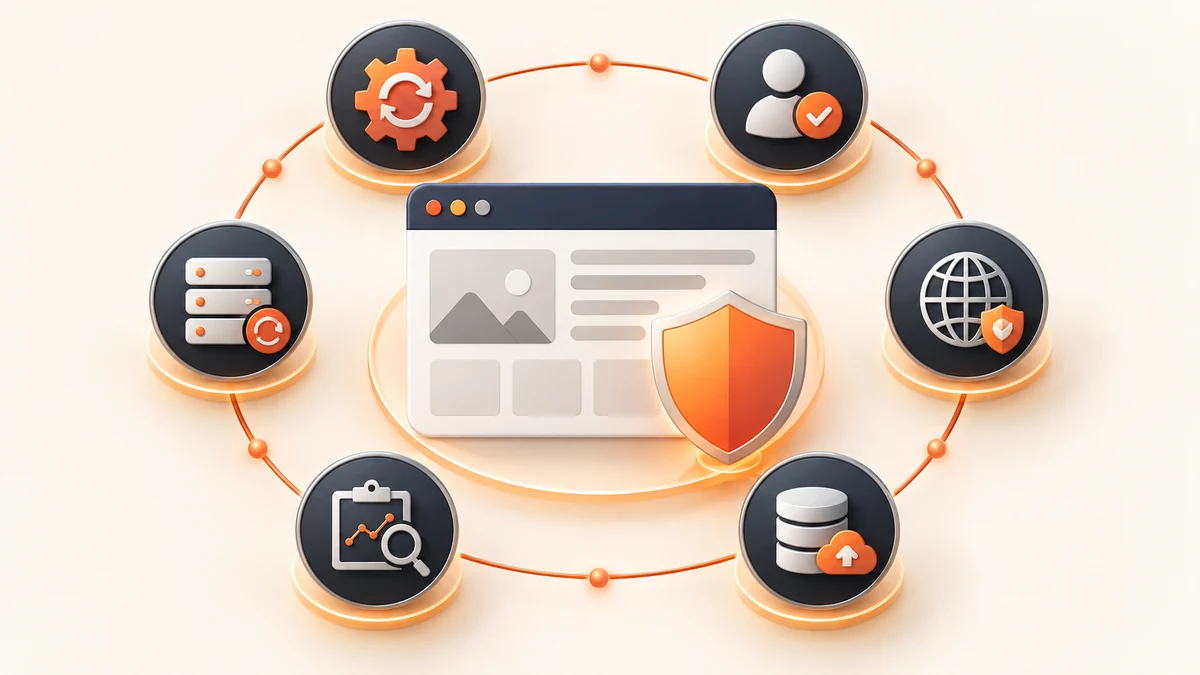
A WordPress security checklist should cover supported core, themes and plugins, deliberate access, multi-factor authentication, HTTPS, safe file permissions, protected backups, restore testing, monitoring and a named response owner. These controls reduce risk and improve recovery when something goes wrong.
Planning a project? Review Crisant's WordPress security and maintenance service →
Start the WordPress security checklist with ownership
Security becomes manageable when the business knows what it owns and who is responsible. Record the domain registrar, DNS, hosting account, CDN or firewall, WordPress installation, database, theme, active plugins, premium licences, forms, email delivery, analytics and payment services. Document how each supplier receives and loses access.
Name the website journeys that cannot quietly fail: enquiries, bookings, purchases, payments, account access and transactional email. Give each journey an owner and a simple test. This turns a generic checklist into a business control. A dashboard can look healthy while a form stops delivering leads or a checkout fails after an update, so customer-facing evidence matters as much as an uptime badge.
WordPress is not insecure merely because it is open source. Risk commonly grows through outdated or vulnerable extensions, weak or reused credentials, untrusted software, excessive privileges, unsafe configuration, compromised hosting or delayed maintenance. A responsible plan separates WordPress core, themes, plugins and infrastructure so the team can update the right component and investigate the right owner.
Keep WordPress core, themes and plugins supported
Official WordPress guidance identifies current core, plugins and themes as the most important security foundation. Remove extensions the site no longer needs, even when they are inactive, and obtain software only from the official repository or a legitimate vendor. Before adding a plugin, confirm that it is actively maintained, compatible with the current WordPress version and necessary enough to justify another dependency.
Updates need a defined path rather than indefinite delay or blind automation. Take a current recoverable backup, review the release and compatibility information, use staging when the commercial journey is complex, apply the change and test the journeys that matter. WordPress supports per-plugin and per-theme automatic updates, but its documentation also notes that scheduled updates can fail and recommends regular backups. Automation reduces delay; accountable verification closes the loop.
A practical WordPress maintenance checklist records the installed version, available update, risk, planned window, backup evidence, test result and owner. Urgent security fixes deserve faster handling than a cosmetic release, while a major change may need controlled testing. If an extension is abandoned or cannot run safely on a supported environment, replace it instead of accepting permanent exposure as normal operations.
Protect accounts, connections and file changes
To secure a WordPress website, give every person an individual account and the lowest role needed for their work. WordPress roles and capabilities exist to limit which settings and content a user can change; routine writing does not require administrator access. Remove former staff and supplier accounts promptly, review administrators on a schedule, avoid shared credentials and require strong unique passwords with multi-factor authentication wherever the identity provider or security setup supports it.
Serve the public site and administration over HTTPS. WordPress documentation strongly recommends HTTPS to protect logins and visitors, and provides a supported setting for forcing administration over SSL once the server is configured correctly. Use encrypted SFTP or SSH for server access, protect registrar and hosting accounts with the same care, and keep recovery codes outside the website being protected.
Limit write access to what the application genuinely needs. Official hardening guidance recommends restrictive file ownership and permissions, with core, administration and plugin files writable only by the appropriate owner in a normal setup. Configuration differs by host, so do not copy permission commands without understanding the environment. Consider disabling dashboard file editing and route code changes through a documented deployment process.
Make backups recoverable, not merely successful
A complete WordPress recovery normally needs both the database and the website files. The database holds posts, settings and operational data; the files hold WordPress, themes, plugins, uploads and configuration. Keep them as a coordinated backup set, protect copies from ordinary administrator compromise and retain enough history to reach a clean point before a delayed problem was discovered.
Choose frequency from business impact. A brochure site that changes monthly has different data-loss tolerance from a busy WooCommerce store. WordPress documentation gives weekly backups as a general suggestion for smaller, low-change sites and daily backups for high-activity sites, while recommending multiple recent copies in different locations. Your actual schedule should reflect how much new content, order or enquiry data the business can afford to recreate.
Test restoration on a schedule and record the result. A successful backup notification proves that a job ran; it does not prove that the archive is complete, accessible, clean or compatible with the recovery environment. A restore exercise should identify who can retrieve the backup, how credentials are recovered, how DNS or hosting changes are handled and which customer journeys confirm that service is genuinely back.
Monitor change and prepare a response owner
Monitoring should cover the outcomes and signals that deserve action: uptime, TLS certificate health, file or configuration change, administrator creation, repeated login failures, outbound email, unexpected redirects and the critical forms or checkout. Tune alerts so someone receives useful evidence rather than a stream of noise. Protect logs and keep them long enough to support diagnosis when a problem was not noticed immediately.
Write a short response route before it is needed. Name the person who can contact the host, isolate the site, preserve logs, obtain clean software, rotate credentials and approve restoration. Record suppliers, support channels and account recovery steps. If personal, payment or regulated data may be involved, the business must also follow its incident, legal and notification obligations rather than treating the event as only a website repair.
A firewall, scanner or security plugin can add useful layers, but no product makes a site breach-proof. Good business website security combines prevention, detection and recovery: reduce unnecessary components, control privileged access, block known abusive traffic, watch for abnormal change and keep a tested path back online. Review the system after significant releases, team changes and any security event.
| Cadence | Control | Evidence to retain |
|---|---|---|
| Continuous | Uptime, HTTPS and high-value journey monitoring | Alert destination, incident ticket and resolution |
| Weekly | Available updates, backup completion and unexpected changes | Review date, owner and action taken |
| Monthly | Administrator access, plugin inventory and restore sample | Approved users, dependency decision and restore result |
| Quarterly | Full recovery exercise and supplier-access review | Recovery time, gaps, removed access and next actions |
| After major change | Release-specific security and journey checks | Backup, test record, approval and rollback route |
Turn the checklist into an operating routine
Assign every item a frequency, owner, evidence and escalation rule. ‘Check backups’ is too vague; ‘the owner reviews the off-site backup weekly and records a quarterly restore result’ can be audited. Store the routine somewhere the business can reach if WordPress or the main email account is unavailable.
When choosing a provider, ask what is monitored, how updates are tested, where backups live, when restoration was last demonstrated, which incidents are included and what response language actually means. Confirm whether acknowledgement, diagnosis or restoration is promised, and whether weekends, hosting, premium licences, malware cleanup and new development are within the scope. Avoid anyone selling an impossible guarantee that the website can never be compromised.
Review priorities against real business impact. Close unsupported components and excessive administrator access first, then improve backup isolation, monitoring and recovery evidence. Do not wait for every control to be perfect before addressing the highest-risk gap. If responsibility is unclear, a free growth audit can map the current WordPress stack, critical journeys and a practical order for security work.
Bring your current plugin list, hosting details, administrator accounts, backup arrangement and critical customer journeys to one review. Crisant can turn the findings into a prioritised security and maintenance plan with named owners, evidence and response steps.
Request a free website security review →